
NC SafeZone — Advanced Safe Zone Management
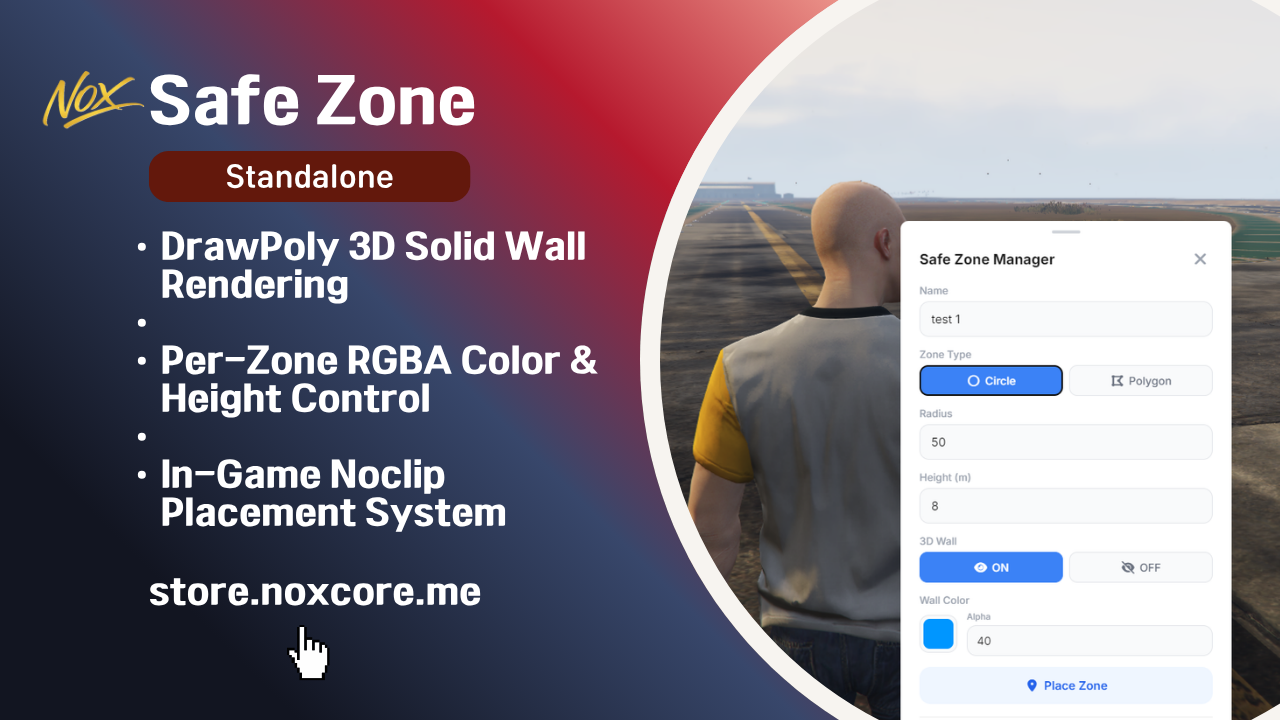
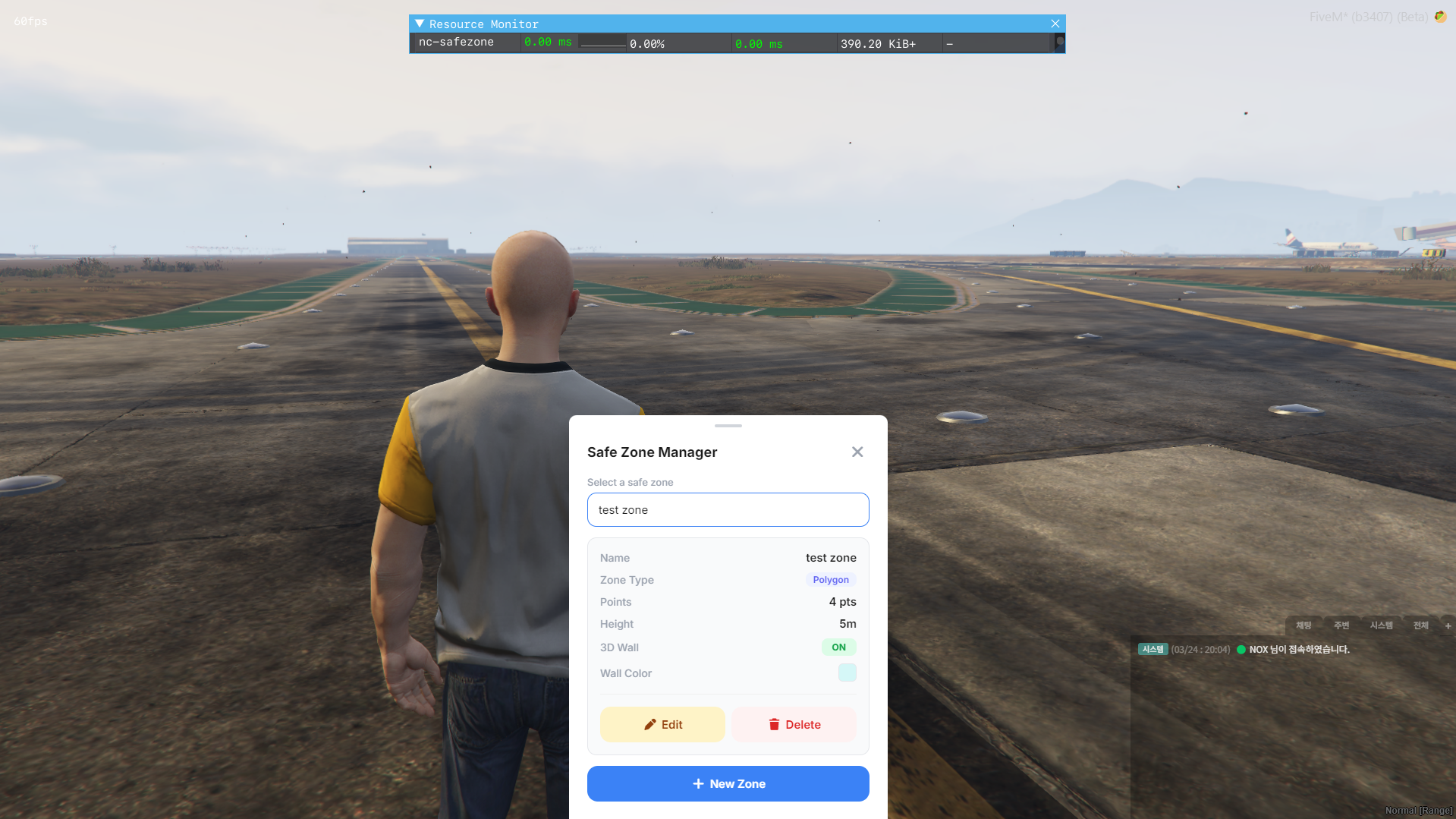
Create, manage, and visualize safe zones on your FiveM server with a sleek in-game UI. Define protected areas where players become invincible, transparent, and pacified — perfect for spawn points, social hubs, and event areas.
Features
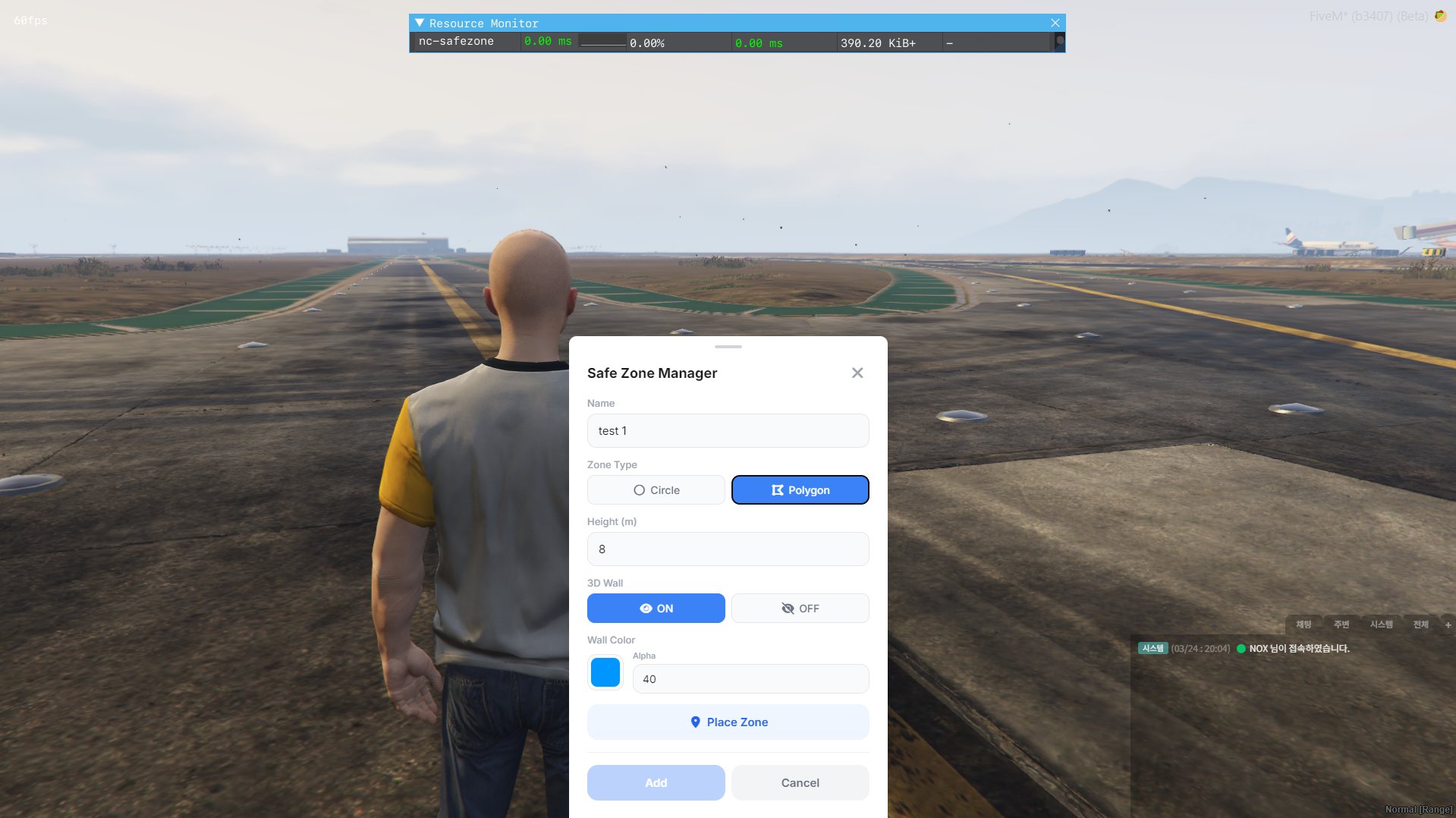
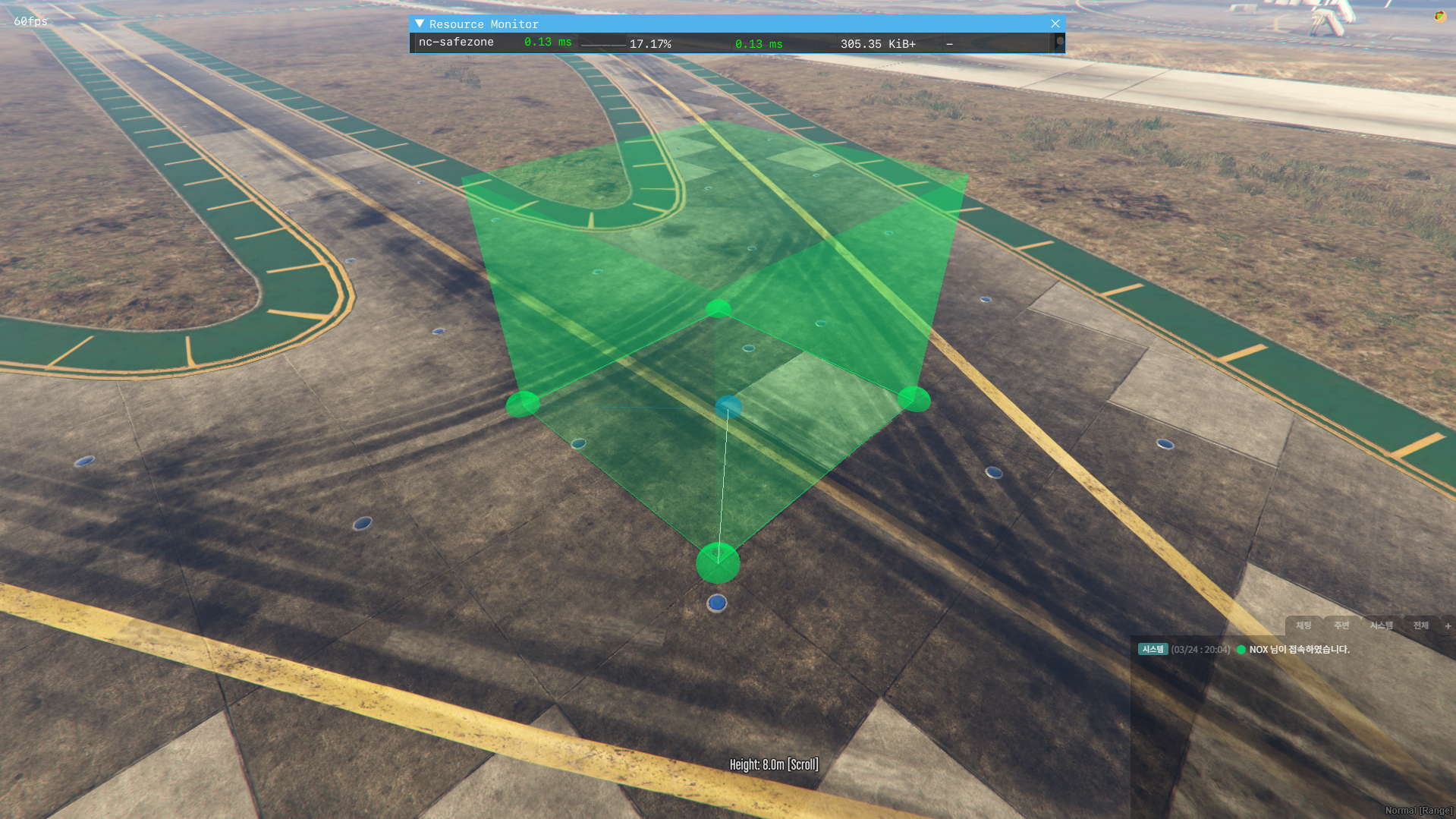
- Two Zone Types — Circle or Polygon, placed directly in-game
- In-Game Placement System — Point-and-click zone creation with real-time preview
- Noclip Camera — Fly around freely during polygon zone placement
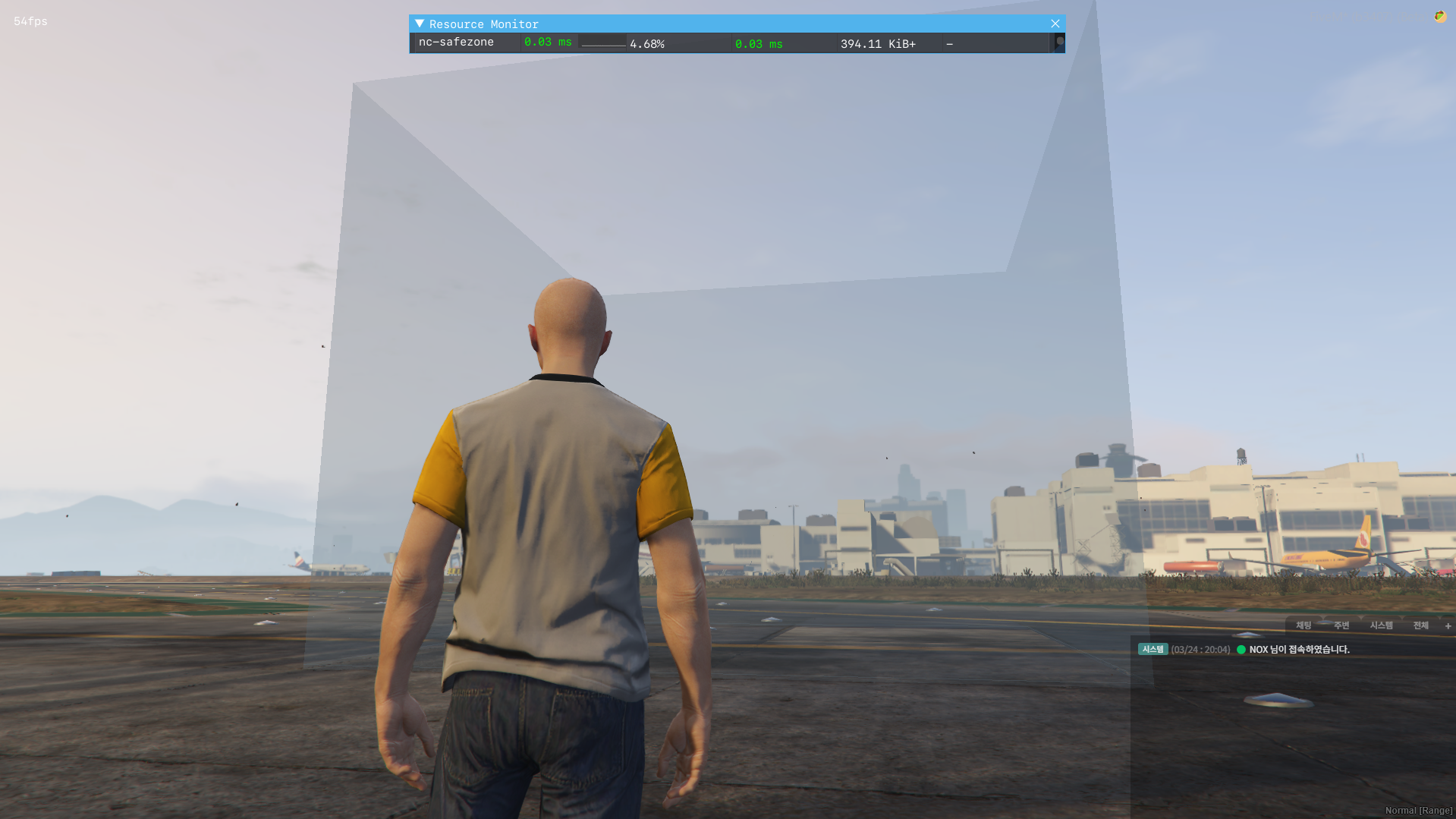
- 3D Solid Walls — Fully rendered DrawPoly walls per zone (circle = 36-segment cylinder)
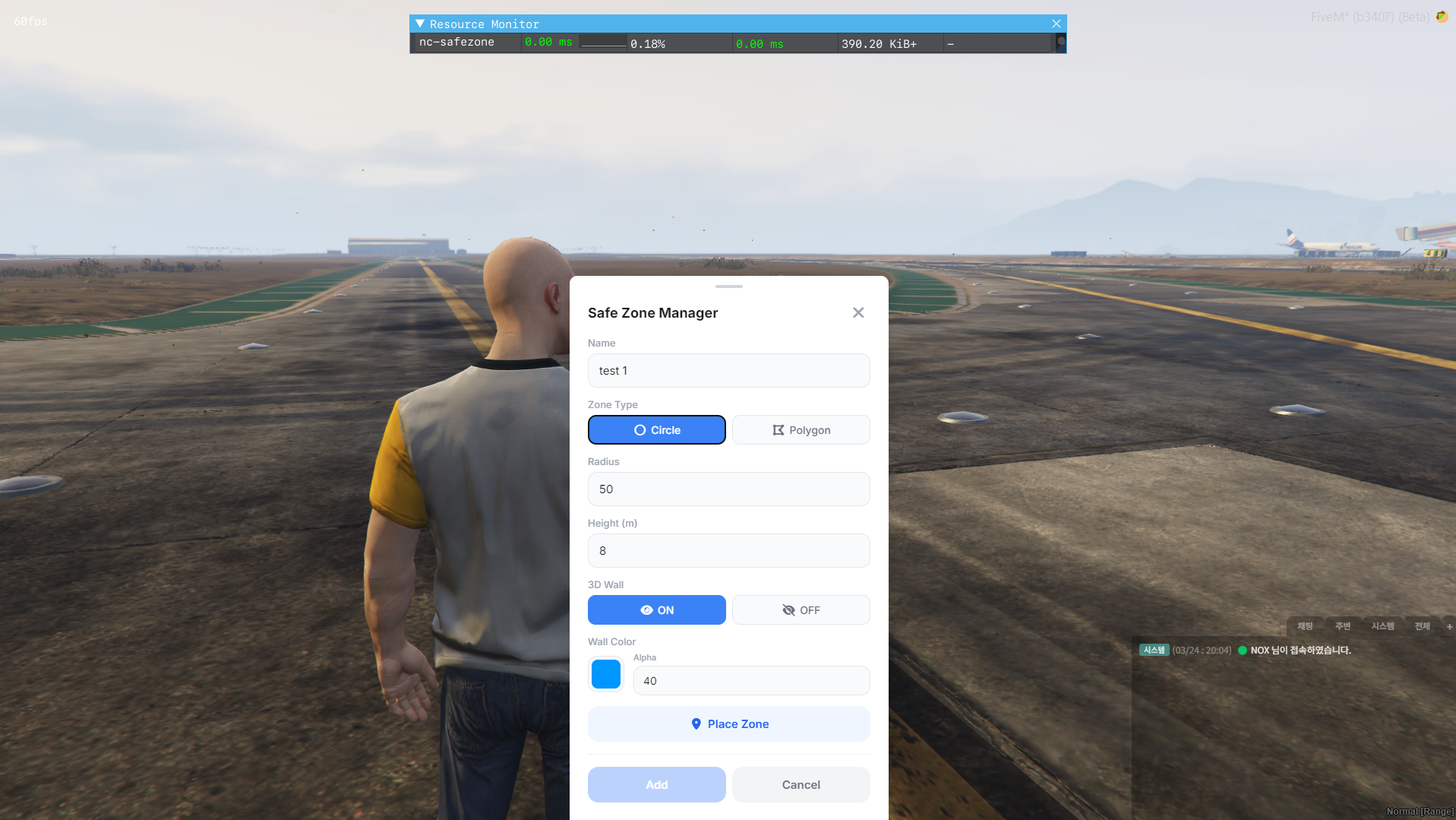
- Per-Zone Wall Color — RGBA color picker for each zone's wall visualization
- Per-Zone Height — Mouse wheel height control during placement + NUI input
- 3D Wall Toggle — Enable/disable wall rendering per zone (ON/OFF)
-
SafeZone Effects:
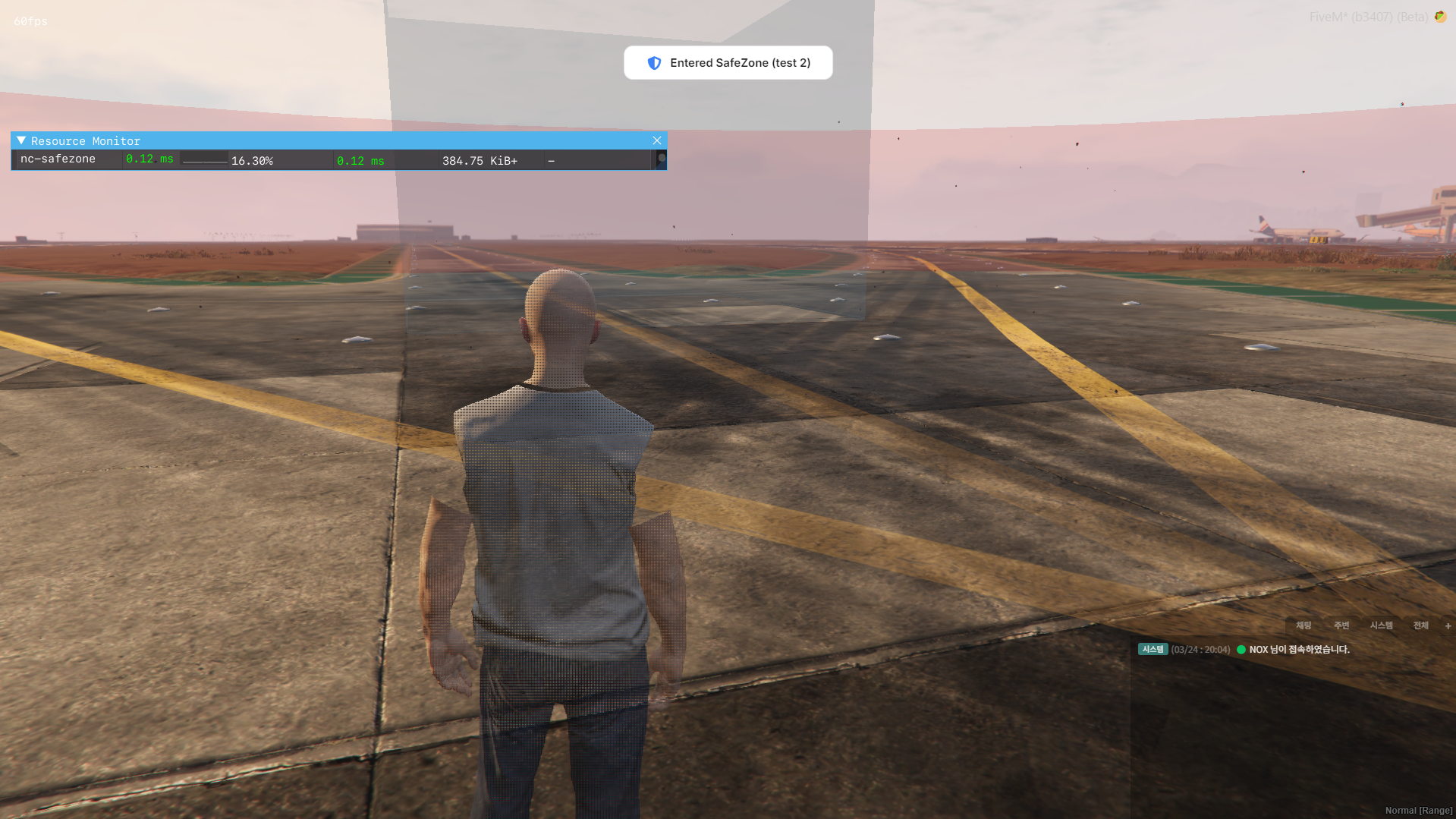
- God Mode (invincibility)
- Ghost Mode (no player collision)
- Player transparency (configurable alpha)
- Weapon disabling
- PVP disabling
- HUD Banner — Displays zone name on enter/leave
- JSON Storage — No database required, zero dependencies
- Locale System — Multi-language support (English included)
-
ACE Permission — Admin-only zone management via ace
command - Debug Mode — Toggle console logging on/off via config
Configuration
All settings are accessible in config.lua:
- Locale, command name, admin permission toggle
- Safezone effects (god mode, ghost mode, PVP, weapons, transparency)
- Wall default color, height, render distance
- Preview/placement colors
- Debug mode on/off
Usage
- Type
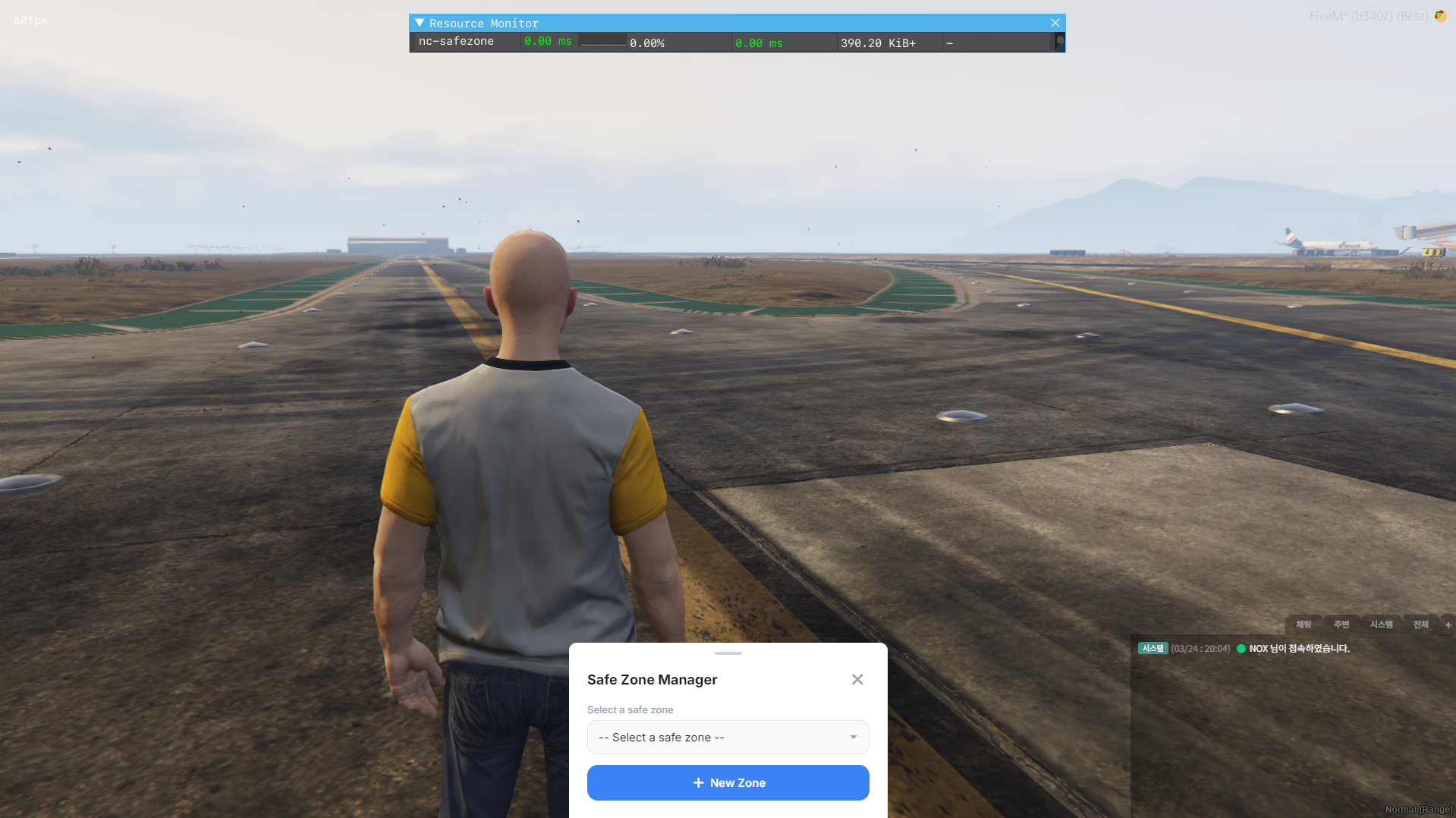
/safezonein chat - Click New Zone → enter name, select type (Circle/Polygon)
- Set height, 3D wall toggle, wall color
- Click Place Zone → position in-game using mouse
- Confirm and save — zone is immediately active
Requirements
- FiveM server with OneSync
- No external dependencies
